What is LLMHub?
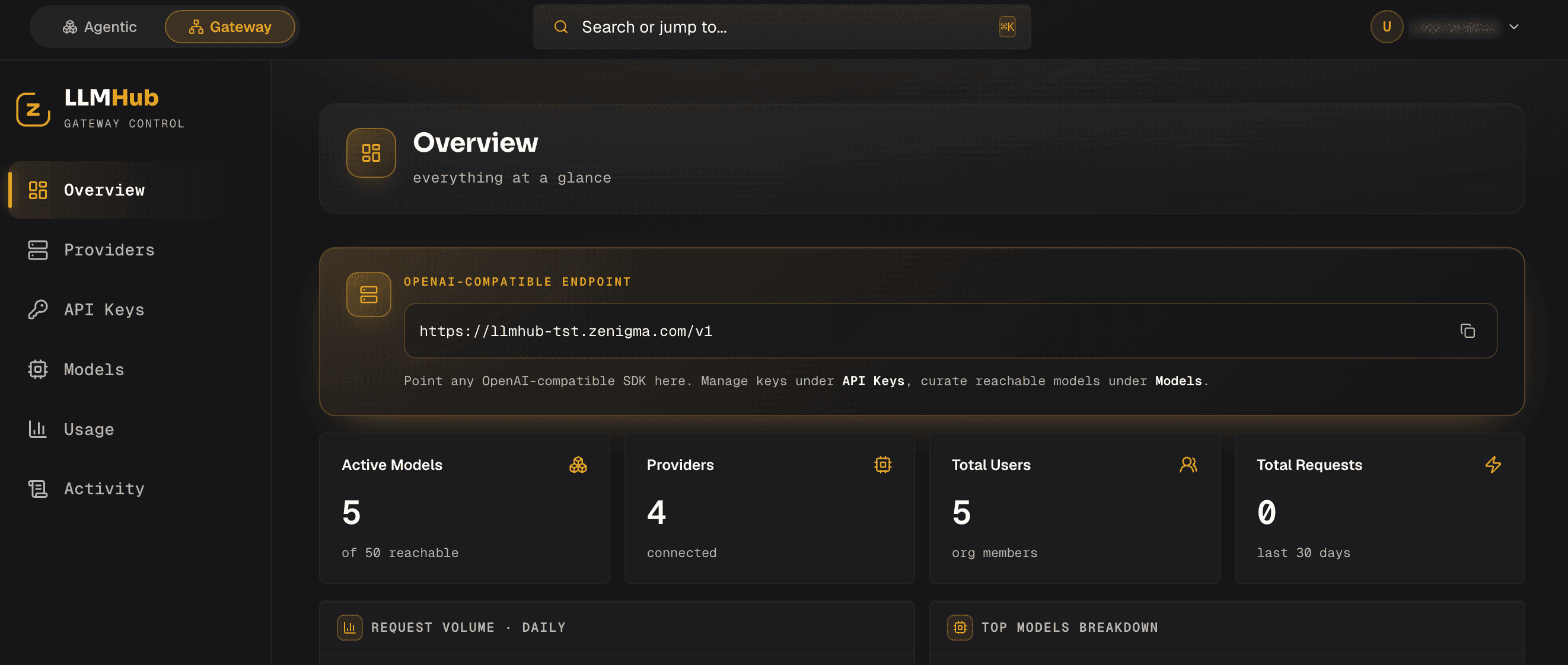
LLMHub brings model access for your applications and teams into a shared layer hosted on your own infrastructure. It connects OpenAI- and Anthropic-compatible clients to model providers while centralizing API keys, model permissions and group-level token quotas.
Platform and operations teams can track requested and served models, token consumption, latency and calculated cost. How routing and caching affect that cost depends on the workload, available model pool and configuration. Software teams can use agents in project workspaces for tasks such as reading and editing code, running tests and reviewing changes.
LLMHub is currently in early access. Running it on your own infrastructure does not by itself prevent data from reaching external model providers; data flow depends on the providers and access settings you choose.
What it does
- 01
Shared model access
Connect OpenAI- and Anthropic-compatible clients to one gateway. From there, manage access to multiple model providers and to models hosted in your own environment.
- 02
Model routing and caching
Route requests within the allowed model pool using complexity and pricing information. Semantic caching and provider prompt caching help manage usage costs; results depend on the workload.
- 03
Token quotas and key management
Limit which models an API key can access, rotate keys or revoke them. Track group and project usage against token budgets; these quotas are not monetary spending limits.
- 04
Usage and cost visibility
Record requested and served models, token consumption, cache usage and latency. Costs are calculated from configured model prices and can be reviewed through dashboards and Prometheus/Grafana integration.
- 05
Project-based agent work
In a project workspace, agents can read and edit repository files, run commands and tests, and prepare pull requests within their permissions. Command execution, deletion, publishing changes and similar actions require user approval. Automations can run on schedules or webhooks.
- 06
Self-hosted data controls
Outbound prompts can be scanned for sensitive data, redacted or blocked. You configure those rules and external providers around your organization's data requirements. LLMHub runs on a single server or on Kubernetes. A single server may be sufficient for a team, depending on its workload and concurrent users. In Kubernetes hub mode, a central server starts a separate session for each user, with capacity planned around the organization's needs.
Architecture
- 01ClientsApplications, IDEs and agents
- 02GatewayAPI keys, permissions and quotas
- 03RoutingModel selection and caching
- 04ProvidersModels and usage records
Who it's for
Platform and FinOps teams
Track model usage by group or project and manage access, token quotas and cost visibility.
Software teams
Connect applications and IDEs to model providers and use agents for repository work, tests and reviews.
AI and security teams
Evaluate model choices, define data access and configure checks on outbound prompts.